
Print one QR code, then update dishes, prices, photos, translations, and sold-out items without reprinting it.
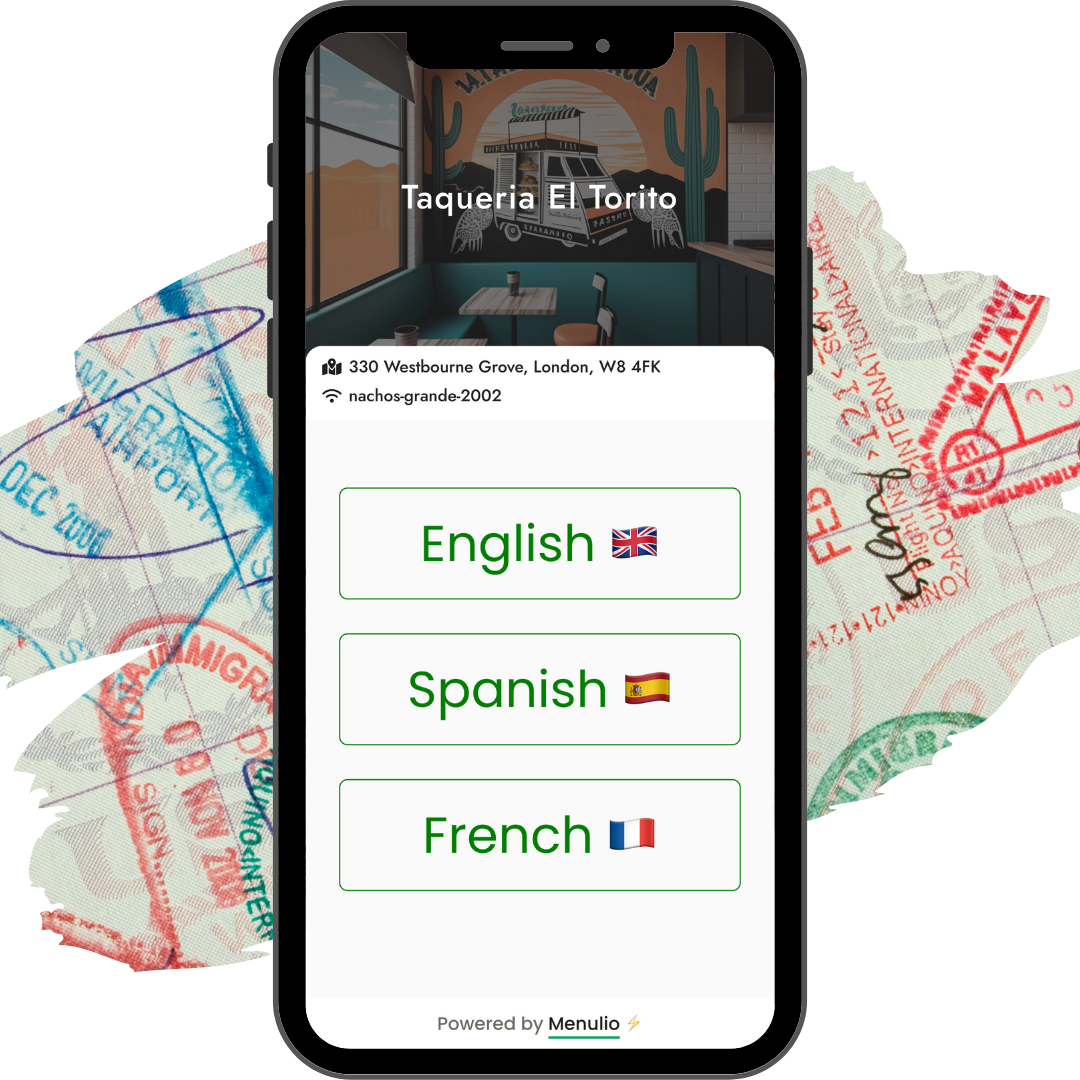
A QR menu is a digital menu guests open by scanning a code on a table, counter, printed menu, flyer, or food-truck window. For restaurants, cafes, bars, and food trucks, Menulio keeps that QR menu current with live item edits, photos, translations, availability, ingredients, nutrition, and reservation links.
Print the QR code once and keep updating the menu behind it.
Show the latest dishes, drinks, prices, photos, and sold-out items before guests order.
Add translations, ingredients, and nutrition details so guests can decide with more confidence.
Add categories, item names, descriptions, prices, photos, ingredients, nutrition, translations, and availability.
Download the QR code and place it where guests already look for the menu.
Change prices, specials, item photos, and sold-out status from the Menulio dashboard.
Guests scan the same code and see the current menu on any phone browser.
| Feature | What it helps with |
|---|---|
| Live menu edits | Update items, prices, descriptions, and categories without reprinting. |
| Item photos and details | Help guests understand dishes with images, ingredients, and nutrition. |
| Menu translations | Let tourists and multilingual guests read the menu in their language. |
| Sold-out status | Mark unavailable dishes or drinks before guests try to order them. |
No. Guests scan the code with their phone camera and open the menu in their browser.
Yes. You can edit the Menulio menu anytime while the same printed QR code keeps pointing to the latest version.
Yes. Menulio supports item photos, descriptions, ingredients, nutrition details, prices, and price variants.
Yes. Menulio also fits cafes, bars, food trucks, tourist venues, and other operators that need current guest-facing menus.
Try it free for 15 days
10€/ month afterwards