
Update seasonal drinks, pastries, prices, and sold-out items while guests keep scanning the same QR code.
A cafe QR menu is a digital menu guests open by scanning a code at the counter, table, window, flyer, or social profile. Menulio keeps that menu current, so guests can see today's pastries, drinks, prices, photos, translations, ingredients, nutrition, and sold-out items before they order.
Mark pastries, soups, sandwiches, or seasonal drinks unavailable when they sell out.
Show photos, ingredients, milk options, nutrition, and price variants before the guest reaches the till.
Add translated item names and descriptions for visitors and multilingual neighborhoods.
Add coffee, tea, pastries, brunch items, sandwiches, specials, prices, photos, ingredients, nutrition, and price variants.
Use the same QR code on counter signs, tables, printed menus, window posters, flyers, and social links.
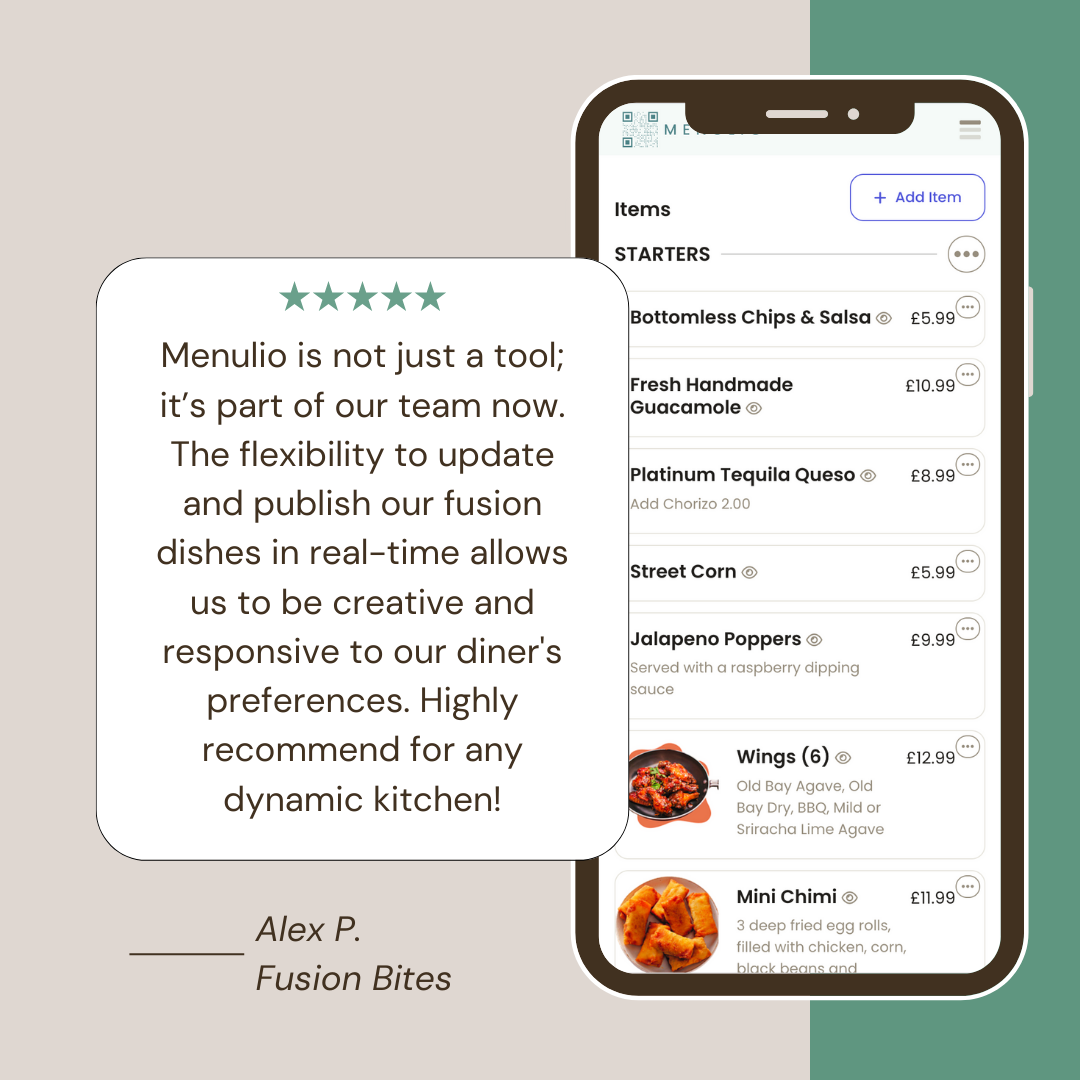
Change seasonal drinks, milk options, prices, item photos, and sold-out status from the dashboard.
Guests can check what is available, what is inside an item, and what it costs before asking staff.
A QR menu is useful for cafes that change pastries, seasonal drinks, milk options, prices, or availability often. Guests scan one code and see the current menu on their phone.
Yes. Menulio lets you mark cafe items unavailable so guests know what is still available before they order.
Yes. Menulio supports item photos, descriptions, ingredients, nutrition details, prices, price variants, and translations.
Yes. The same public menu link can sit behind a QR code, website button, flyer, counter sign, or social profile.
Try it free for 15 days
10€/ month afterwards