Let guests read dishes, prices, and ingredients in their language. Update one QR menu without printing separate versions.
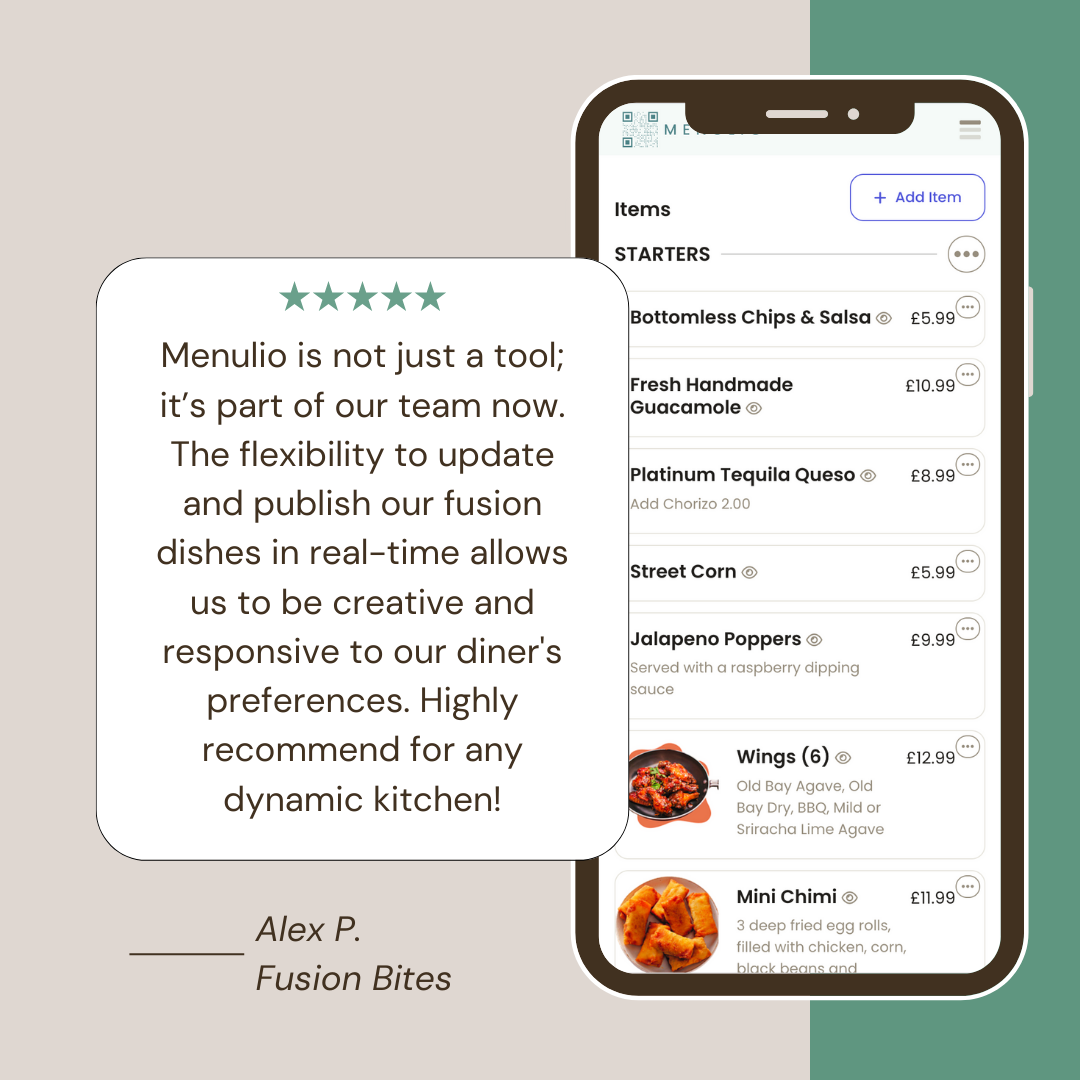
A multilingual QR menu is a digital menu guests open by scanning a code at the table, window, hotel desk, flyer, or social profile. Menulio helps tourist restaurants show translated dishes, prices, photos, ingredients, nutrition, availability, and reservation links so visitors can choose with more confidence.
Show translated names and descriptions alongside photos, ingredients, nutrition, and prices.
Let guests check what a dish is, what is inside it, and what is unavailable before asking staff.
Update translations, prices, photos, specials, and sold-out items while the same printed QR code keeps working.
Add dishes, drinks, prices, photos, ingredients, nutrition, categories, availability, and reservation links.
Add translated item names and descriptions so guests can understand the menu without waiting for staff to translate each dish.
Use the same QR code on tables, window signs, printed menus, hotel cards, flyers, delivery inserts, and social links.
Change prices, specials, sold-out items, photos, ingredients, or translations from the dashboard before guests order.
A multilingual QR menu is a digital menu guests open from a QR code and read in their language. It helps tourist restaurants show dishes, prices, photos, ingredients, nutrition, and availability clearly without printing separate menu versions.
Yes. Menulio supports translated item names and descriptions so guests can understand dishes before ordering.
Yes. You can update translations, prices, photos, ingredients, and availability in Menulio while the same printed QR code keeps pointing to the current menu.
It can reduce repeat explanations because guests can read item names, descriptions, ingredients, photos, and prices on their phone before asking staff.
Try it free for 15 days
10€/ month afterwards