
Keep printed menus if they work for your tables. Add a QR menu when price changes, translations, or sold-out items make reprints too slow.

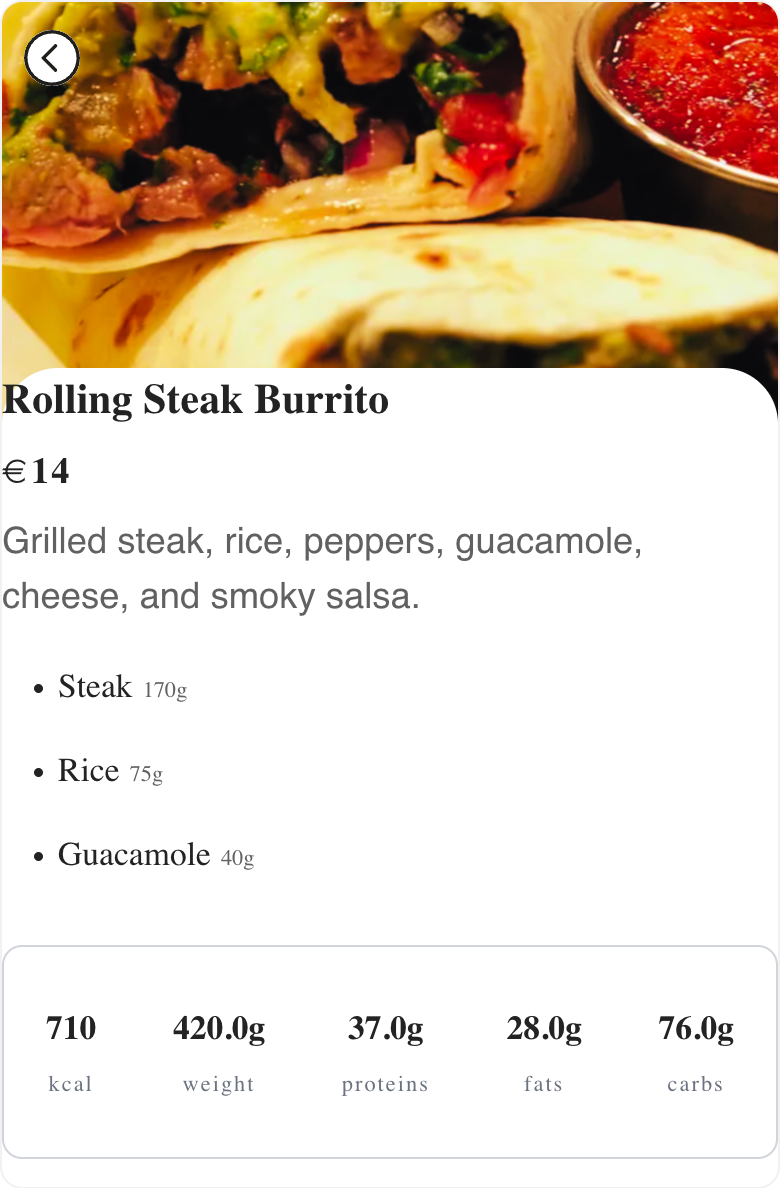
A printed menu is familiar and tangible. A QR menu is easier to keep current. Menulio is useful when guests need the latest prices, item photos, translations, ingredients, nutrition, reservation links, or sold-out status without waiting for a reprint.
| Criterion | Menulio QR menu | Printed menu |
|---|---|---|
| Updates | Change the live menu from the dashboard. | Reprint or add temporary notes when the menu changes. |
| Guest details | Add photos, ingredients, nutrition, translations, and sold-out status without crowding the page. | Limited by page space and print cost. |
| Best fit | Changing menus, tourist venues, food trucks, rotating drinks, and seasonal specials. | Menus that rarely change or where a physical menu is central to the service style. |
| Tradeoff | Guests need to scan with their phone. | Familiar at the table, but less flexible once printed. |
Not always. Many operators use both: printed menus for the table and a QR menu for current details, translations, photos, and sold-out items.
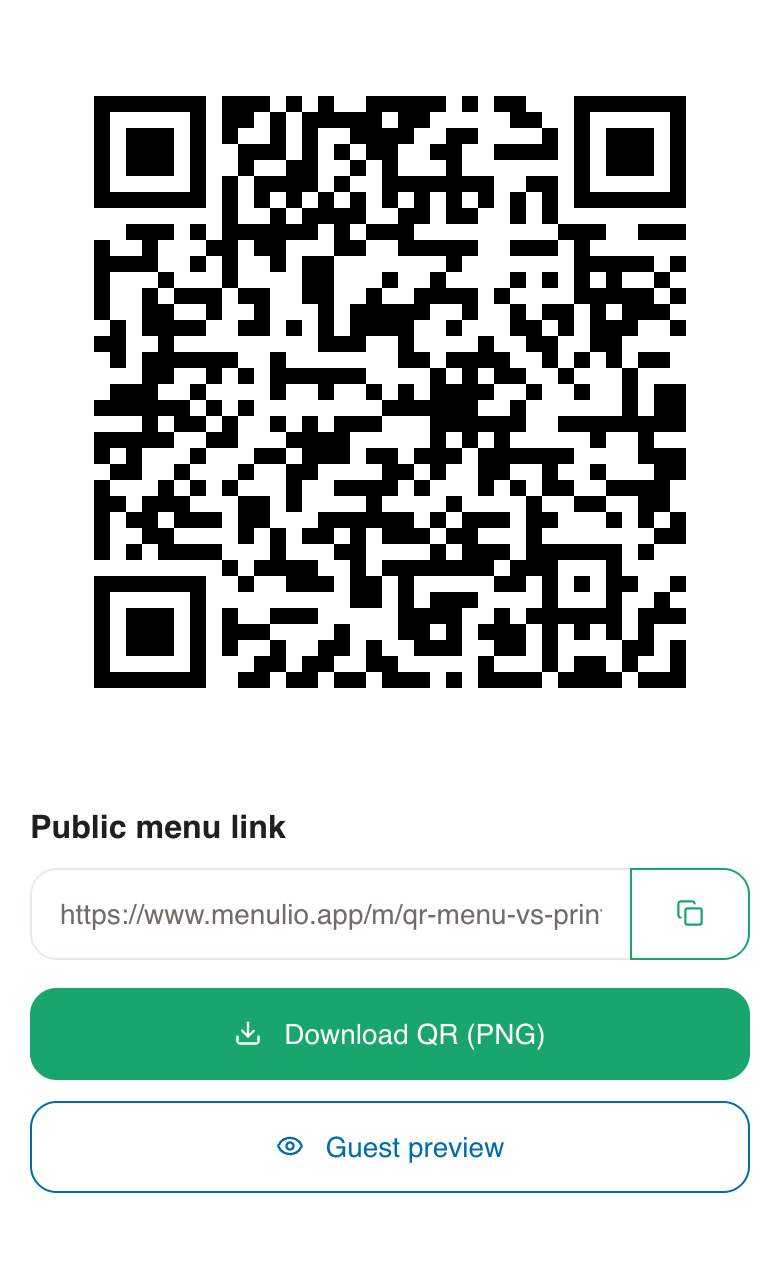
Yes. The same QR code keeps opening the latest Menulio menu after you edit items, prices, photos, or availability.
Yes. Food trucks can put the same code on the service window, flyers, and social links while changing the live menu behind it.
Yes. Menulio can mark sold-out or unavailable items clearly, so guests know what can still be ordered.
Try it free for 15 days
10€/ month afterwards